 English
 Magyar


When you hear the term ‘mixed content’, you may be confused as to what it actually means. This article aims to explain everything you need to know about mixed content, how to recognise it and how to fix it.
What is mixed content?
‘Mixed content’ warnings appear when some parts of a website are loaded via the insecure HTTP protocol, whilst other resources are loaded via the HTTPS protocol – hence the term ‘mixed’. If such warnings are present on your website, a grey padlock will appear. This will undoubtedly undermine visitors’ confidence whilst browsing your website, so it is worth taking this seriously and configuring your entire website to load via HTTPS. You are most likely to notice this issue if you have just enforced an HTTPS redirect on your website. Here are a few situations that may lead to this:
- You have an embedded video from an insecure source, and it is loading via HTTP on your website, even though the rest of the content is displayed using the HTTPS protocol.
- Static content such as images, CSS, JS and HTML files are hard-coded into your files and are currently loaded via HTTP.
- External scripts or HTTP versions of fonts are being loaded onto your website.
How can I find this content?
There is an excellent online tool called ‘Why No Padlock?’, which is very useful when searching for mixed content. Enter your website or the problematic URL into the ‘Secure Address’ text box, then click the ‘Test page’ button below it.
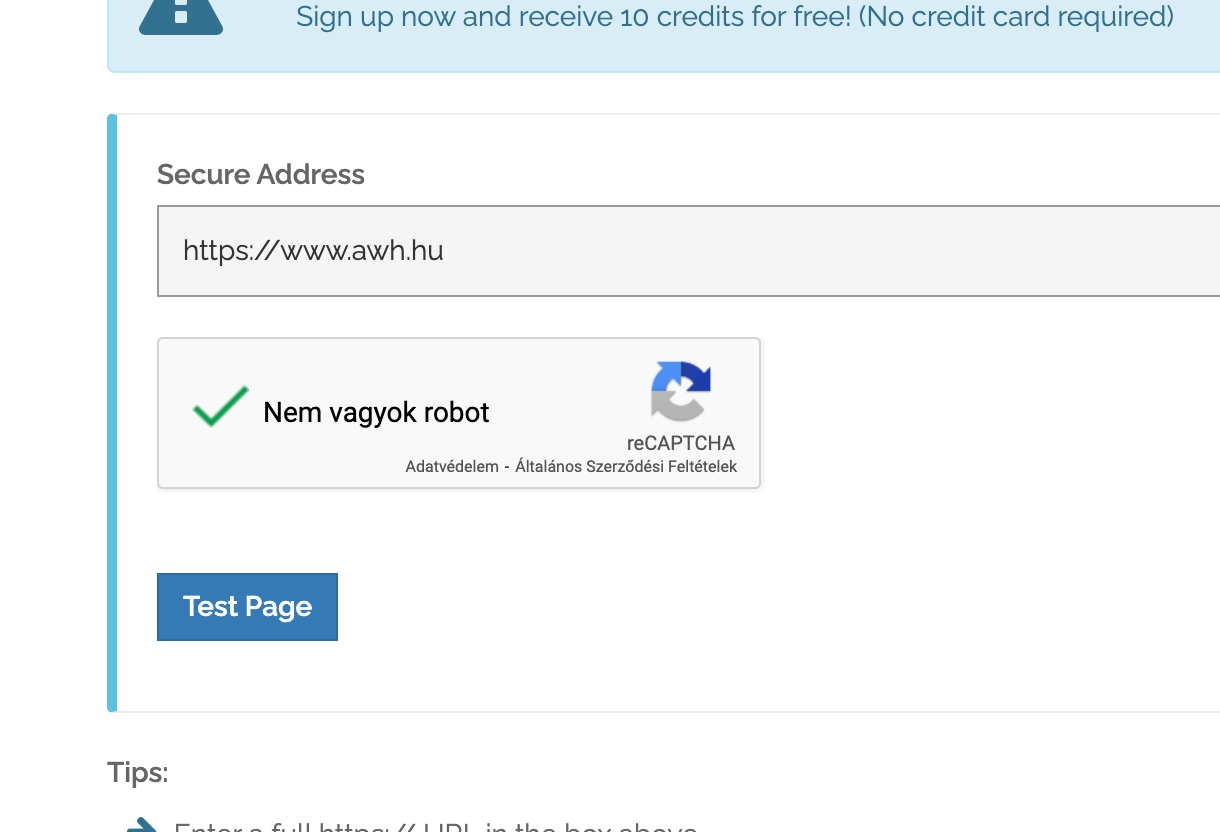
Another option is to use the developer console, which is available in all browsers; you can access it by pressing the ‘F12’ key and then clicking the ‘Console’ tab. Warnings of various types are typically highlighted in red or yellow, and if you hover the cursor over the URLs, the exact file or resource causing the issue will be displayed.
How can I fix mixed content?
There are several ways to do this. Let’s take a look at them:
- You must check all the files on your website, including your database, and replace any URLs that are hard-coded with HTTP with HTTPS.
- If an external script is loaded via HTTP, you must check the method used to implement it (usually via plugins or modules on the website) and either replace this external resource with its HTTPS equivalent or remove it entirely.
- Set up a response header on your website that ‘tells’ the browser that all resources must be loaded via HTTPS. All major browsers will comply with this header and start loading the content via HTTPS. When you then visit your website, you will see a green padlock in the browser’s address bar: To do this, add this directive to your .htaccess file:
<ifModule mod_headers.c>
Header always set Content-Security-Policy "upgrade-insecure-requests;"
</IfModule>
If this seems too much of a hassle, please contact our technical support team. They are very resourceful and can suggest an alternative approach to managing the mixed content on your website.
For a more detailed overview of this topic, see our blog post: ‘Fixing “mixed content” errors: A complete guide to a secure HTTPS website in 2026’.