 English
 Magyar

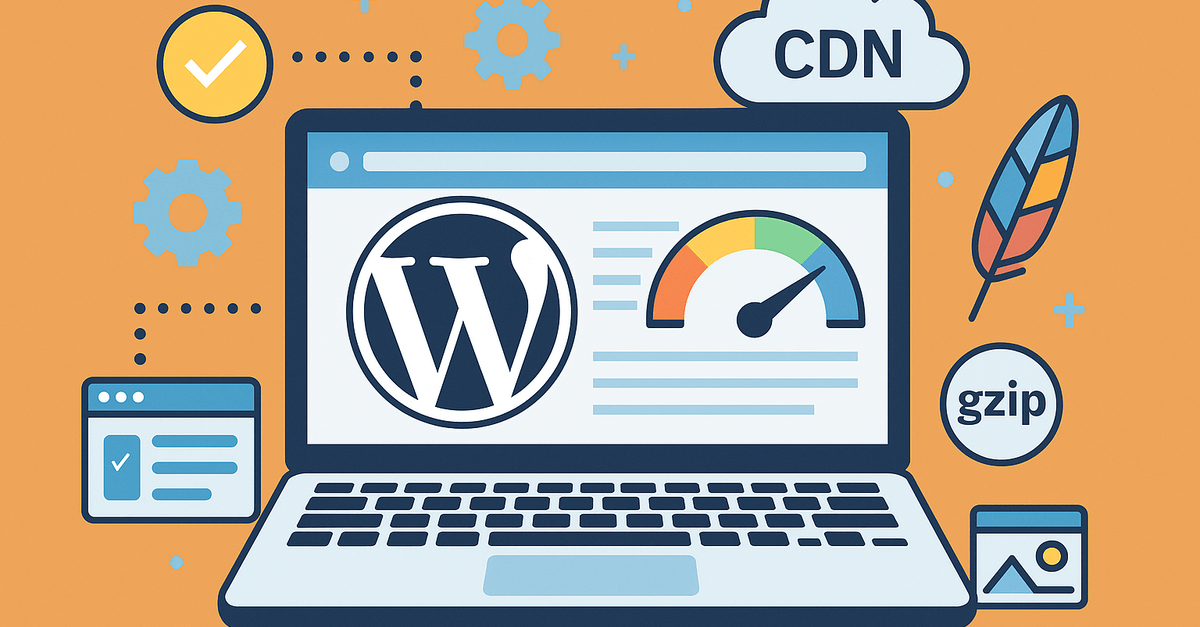
WordPress is an excellent platform that allows you to easily create professional websites. However, if you’re running your website on shared hosting, you may find that its performance doesn’t always meet your expectations. Due to the limited resources of shared hosting, it’s important to optimise the performance of your WordPress website.
In this post, I’ll share some useful tips and tricks to help you improve your website’s speed and performance on shared hosting.
The importance of WordPress optimisation
Optimising WordPress is key to improving your website’s performance. A well-optimised website loads faster, provides a better user experience and can achieve higher rankings in search engine results.
Through optimisation, you can reduce loading times, minimise server load and ensure that visitors can access your content quickly and seamlessly.
Remove unnecessary plugins
Too many plugins can slow down your website, especially if they are not well optimised or are out of date. It’s worth regularly reviewing your installed plugins and removing any you don’t need.
Use reliable and well-maintained plugins, and avoid tools that offer duplicate functionality. This will help reduce the load on your server and improve your website’s performance.
Choose a light-coloured theme
Your website’s theme has a significant impact on its loading speed. A lightweight, well-optimised theme ensures faster loading times and better performance.
Avoid themes with too many features and visual elements, as these can increase loading times. Choose a theme with a minimalist design that includes only the necessary features.
Use gzip compression
Gzip compression reduces the file size of your website, so it loads faster for visitors. This is particularly important on shared hosting, where bandwidth may be limited.
You can enable gzip compression by editing the .htaccess file or using suitable plugins. This will improve your website’s performance and reduce loading times.
Enable caching
Caching allows you to store a static version of your website in visitors’ browsers, thereby reducing the load on the server and speeding up loading times.
Use reliable caching plugins, such as W3 Total Cache or WP Super Cache, to improve your website’s performance. These plugins help optimise your website’s speed and reduce the load on the server.
Enable lazy loading
The lazy loading technique allows images and other media elements to be loaded only when the visitor reaches them whilst scrolling. This reduces the initial loading time and improves the user experience.
Use plugins that support lazy loading, such as Lazy Load by WP Rocket, to optimise your website’s performance. This can be particularly useful for long pages or websites containing lots of images.
Use a content delivery network (CDN)
With a Content Delivery Network (CDN), your website’s static content – such as images and style sheets – is loaded from the server closest to your visitors. This reduces loading times and improves your website’s performance.
Popular CDN providers include Cloudflare and Amazon CloudFront. These services can be easily integrated into your WordPress website and can result in significant performance improvements.
Optimise your images
Large images can slow down your website’s loading speed. Use image compression tools, such as TinyPNG or Smush, to reduce the file size of your images without compromising their quality.
Furthermore, choose suitable image formats (such as JPEG or WebP) and resize the images to the required dimensions before uploading them to your website. This will help improve loading times and the user experience.
Choose hosting optimised for WordPress
If you’re serious about improving your website’s performance, consider using a hosting service optimised for WordPress. These services are specifically tailored to the needs of WordPress websites and offer better performance, security and support.
Hosting services optimised for WordPress often include pre-installed plugins, automatic updates and special security measures to help ensure your website runs smoothly.
Summary
Optimising the performance of your WordPress website on shared hosting is not only possible, but essential for a successful online presence. By applying the tips and tricks mentioned above, you can improve your website’s speed, reduce loading times and provide a better user experience for your visitors.
Remember that your website’s performance has a direct impact on visitor satisfaction and your search engine rankings. That’s why it’s worth investing time and energy in optimisation to ensure a successful and effective online presence in the long term.