 English
 Magyar

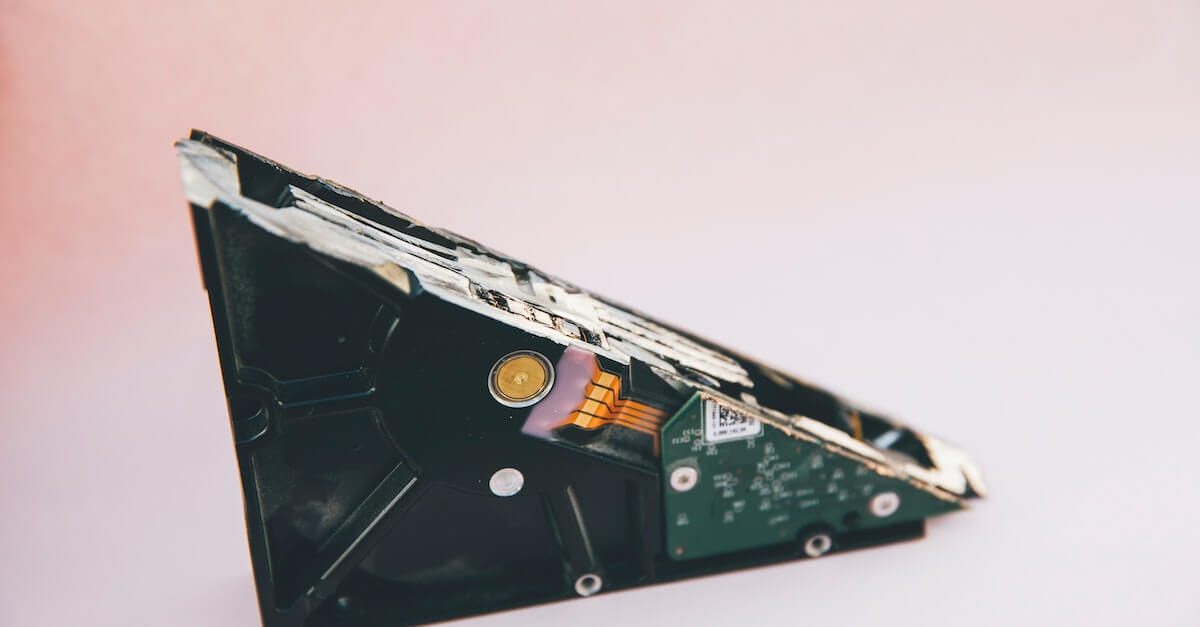
Oh, those famous last words: “I’ll make a backup sometime”. How many documents, photos, videos and so on have been needlessly destroyed or lost forever because that “sometime” never came. Your data is just one hard drive failure away from being lost.
The sad thing is that nobody believes it could happen to them. The system breaks down, the phone falls into the toilet cistern, the dog chews up the iPad. There’s a reason we call these incidents ‘accidents’ rather than ‘foreseeable events’. You have no control over when they’ll happen, but you can be absolutely certain they’ll occur at the worst possible moment.
But you don’t have to leave things to the whims of fate. You can be the architect of your own fortune if you stay alert and back up your data. This article will help you decide what to back up and how often you need to do so.
The Big Question
When you’re trying to decide which data to back up, ask yourself the big question: “How much trouble would I be in if I lost these files?” It’s a safe bet that you don’t need to back up your weekly shopping list. But what about your tax records from the past few years? Take a backup of them. What about your CV? That too! And the digital photos from your wedding? Unless you want to end up sleeping on the sofa for the rest of your life, you’d be very wise to take a backup of them as well. If you use a desktop computer or laptop on a regular basis for your work – for example, if you’re a writer or a graphic designer – then you need to back up your work. The same applies to financial information, purchases, important emails and information relating to your personal financial situation. You should also create a backup of the files you’ve paid for, such as e-books, PDFs or music (iTunes immediately springs to mind here). If there’s anything more painful than losing files, it’s having to pay for them again instead of simply restoring them.
Once you’ve taken care of the essentials, there are those things that aren’t absolutely vital to your life, but it would still be a nuisance if you lost them and had to replace them. The first things that spring to mind are your browser bookmarks and shortcuts to your favourite websites. Think about it: if you’ve spent the last 18 months building up a list of your frequently visited websites, wouldn’t you want a backup of them in case of a catastrophic failure?
Fortunately, these days all browsers, such as Internet Explorer or Firefox, come with an easy-to-use bookmark recovery feature. There are also ways to recover bookmarks on Android or iOS smartphones. As we’ve come to say almost as a cliché: “There’s an app for that!”
The Rule of Three
Yes, it sounds as though it refers to something magical and mystical, but we’re actually talking about something slightly different here. The rule of three states that your data must exist in three different forms at the same time. Just like water, if you think about it – but whereas water exists in solid, liquid and gaseous forms, in this case it’s the original data, a copy of the data in one form, and another copy of the data in a different form. Ideally, this other form should be a remote location, such as Dropbox or a similar cloud-based backup service.
Incidentally, making a backup doesn’t just mean saving the files to another folder on the same computer. What happens if someone comes along and pours a whole jug of sangria over your laptop? Well, first of all, you’ll run out of sangria, which is a tragedy in itself, but more importantly: your laptop will become nothing more than a very expensive paperweight, and your original files, along with their copies, will be lost along with your dead system.
How often should you back up your data?
That’s a good question. How often do you update your files? As it’s not very practical to constantly update every single copy whenever even the slightest change is made to them, try instead to set aside a fixed time in your weekly routine for taking backups. A good solution might be to take your new backups at the start of each new week.
Of course, it all depends on the type of data you’ve already backed up. For things that never change, such as the completed projects or wedding photos mentioned earlier, you obviously don’t need to keep making new backups. Use your common sense.
Farewell with the Words of the Wise
Don’t put all your trust in just one form of data storage. Even the cloud isn’t a foolproof solution. Keep your data on your computer, make a copy on a portable storage device (don’t keep this near your computer, as it would then fail to serve its purpose) and store it in the cloud as well.
Although there’s no way to make your data completely immune to damage, if you take these steps, you can tip the odds in your favour. Good luck!