 English
 Magyar


Many languages have special characters or entirely different alphabets. Although it is common practice to register domain names using letters from the English alphabet, some customers wish to target only visitors from their own country, and therefore name their domain names using their own alphabet. In order for the browser and web server to recognise these special characters and alphabets, domain names must be encoded using the ‘Punycode’ system. In this article, we explain how to do this and how to add Internationalised Domain Names (IDNs) to cPanel.
Please visit the website: https://www.punycoder.com
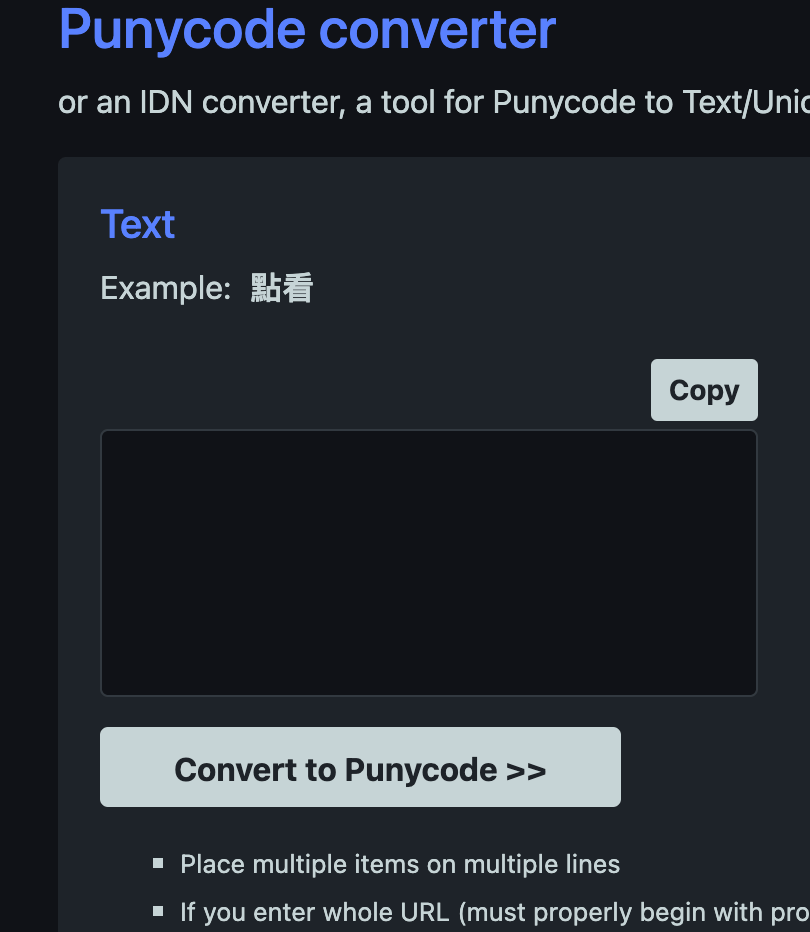
When you visit this URL, you will see two text fields. The one on the left is for entering the exact domain name as you purchased it, using the local alphabet and any special characters. Once you have entered the domain in the text box, please click the “Convert to Punycode >>” button below it. This will display the encoded domain name in the text box on the right. You can then add this encoded name to the Domains section of cPanel in the usual way.