 English
 Magyar

Thanks to the cPanel control panel, almost anyone can now manage their own web hosting, domain names and settings relating to their website or email from a completely straightforward graphical administration interface.
With its help, any task related to web hosting can be carried out much more easily by anyone who is even slightly open to the subject. All you need to do is read a few technical articles or watch a couple of videos to see what possibilities await you within cPanel.
How do you log in to your cPanel account? This question cannot be answered in just a few sentences, as, on the one hand, there are several ways to do this, and, on the other hand, there are certain prerequisites. Let’s look at these one by one!
What do you need to log in to your cPanel account?
All we really need to do is subscribe to a web hosting service that provides access to cPanel.-
The two cannot function without each other, so if you already have hosting but no cPanel, you should switch providers; if, on the other hand, you don’t have anything yet, you should sign up with a provider that offers this service.
Once this has been done and the provider has confirmed that we can start using our storage space, only then will we need to log in to the relevant interface. To do this, we must remember the username and password we provided during registration!
How do I log in to my cPanel account?
As mentioned above, there are several ways to log in to your cPanel account. Let’s take a look at the options!
If you already have hosting and a domain name
If you’ve not only purchased a hosting service but also a domain name at the same time, or if you already owned a domain that you’ve now been able to link to your hosting account, then the process is very straightforward.
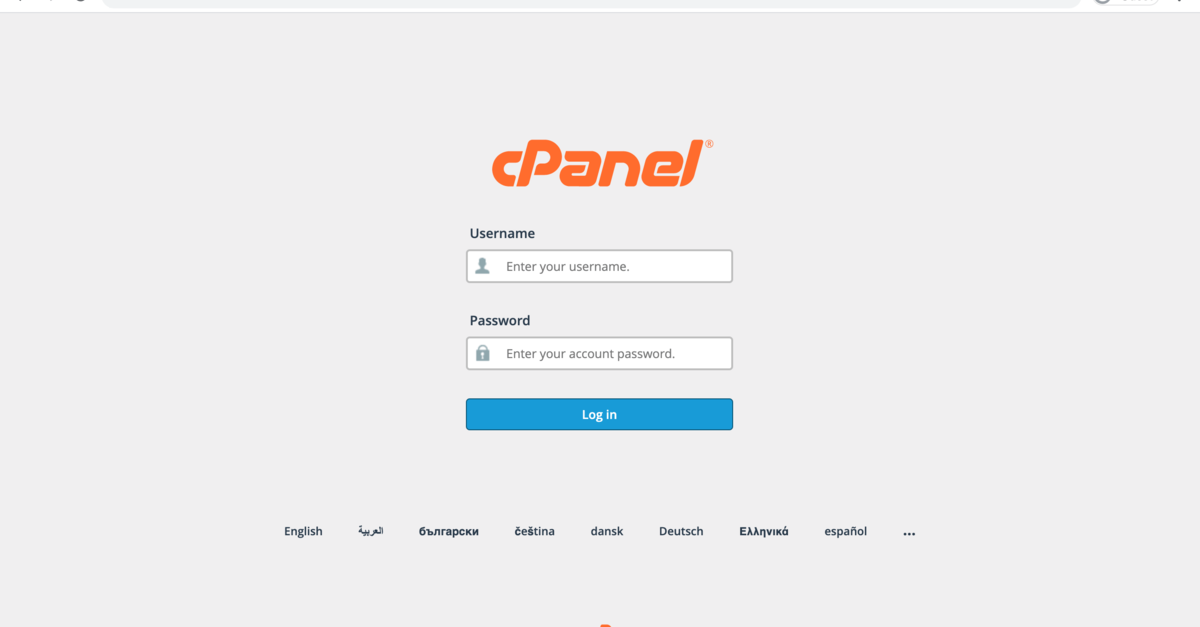
Simply open a browser, type in your domain name, then add /cpanel at the end and press Enter. This will take you straight to the cPanel login screen, where you just need to enter your details.
Upon registration, you’ll also receive a direct link
Another option is to use a direct link to log in. If you subscribe to a web hosting service, you should receive a so-called direct link via email during the registration process, in the same message that contains your login details.
From here, you can usually get to the login screen with a single click, where you simply need to enter your username and password to log in.
You can also log in via the hosting provider
Most web hosting providers strive to meet their users’ needs and ensure their convenience as much as possible; they therefore enable us to access the cPanel login screen immediately after logging into the website – the details for this are provided during registration.
Exactly where this is located varies from one hosting provider to another, but as it is one of the most important tabs, most providers place it in a clearly visible spot and highlight it so that everyone can find it easily.