English
 Magyar


It is becoming increasingly common for many of us to have several email addresses. Whether for professional or personal purposes, we have to manage multiple inboxes, and it can be inconvenient to have to log in and out of our accounts repeatedly.
With email clients, users can access multiple email accounts using a single program and switch between one mailbox and another. This means they can receive, send or read emails on each email address simultaneously.
But what is the difference between an email client and a Google account that has several email aliases associated with it?
It all depends on the message access protocol. An email client downloads emails to your device, which means you can access your emails even whilst working offline.
With webmail services, you can read emails stored on remote servers, but the emails are not downloaded to your device.
Most email clients operate on a freemium business model. In other words, they offer a program with limited features for free, but the most useful features are often only available in the paid version (such as managing multiple email accounts). However, not all email clients operate according to this model, as the list below shows!
Mozilla Thunderbird
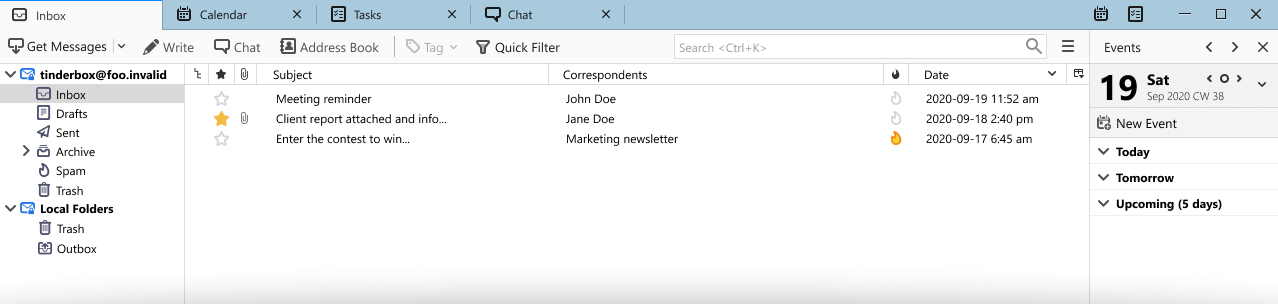
Thunderbird is one of the best-known email clients. It was developed in 2003 as part of the Mozilla project and has been continuously evolving ever since. It is also very user-friendly: you do not need to enter all the technical details to set up your email account; simply logging in is sufficient for Mozilla Thunderbird to query your email provider’s servers and retrieve this information.
Additional features can also be configured: easy-to-use address books, attachment reminders based on keyword analysis, multi-page browsing, etc. And it’s completely free!
Mailbird
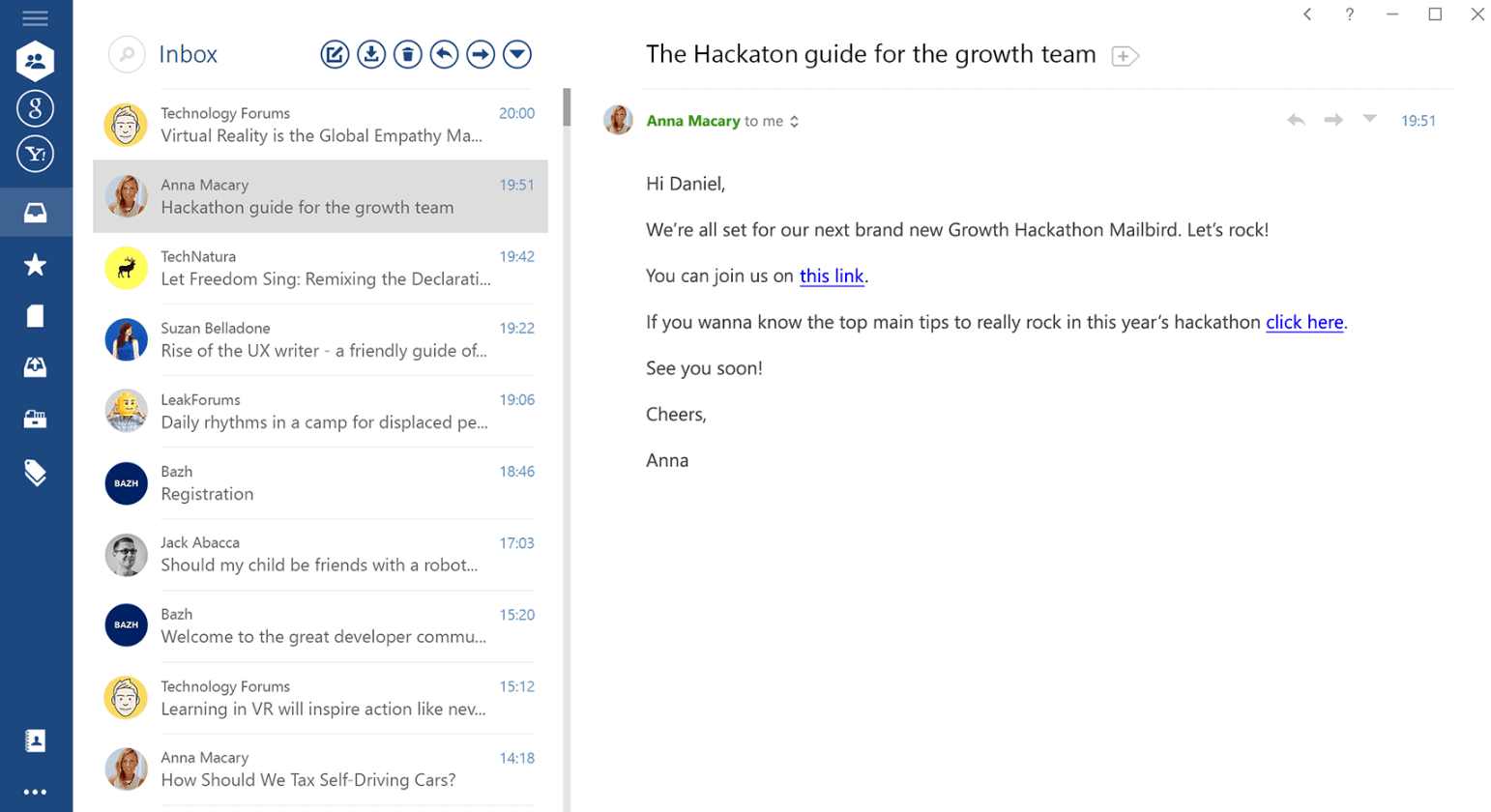
Mailbird, which has won awards every year since 2013, stands out for its personal email management features.
It offers organisation tools, customisable notification sounds, the option to synchronise with social media, and the integration of applications such as Google Calendar, Dropbox, WhatsApp, etc.
Mailbird is currently only available on Windows. The free version of Mailbird does not support the management of multiple email accounts. A Pro version with additional features is also available.
eM Client
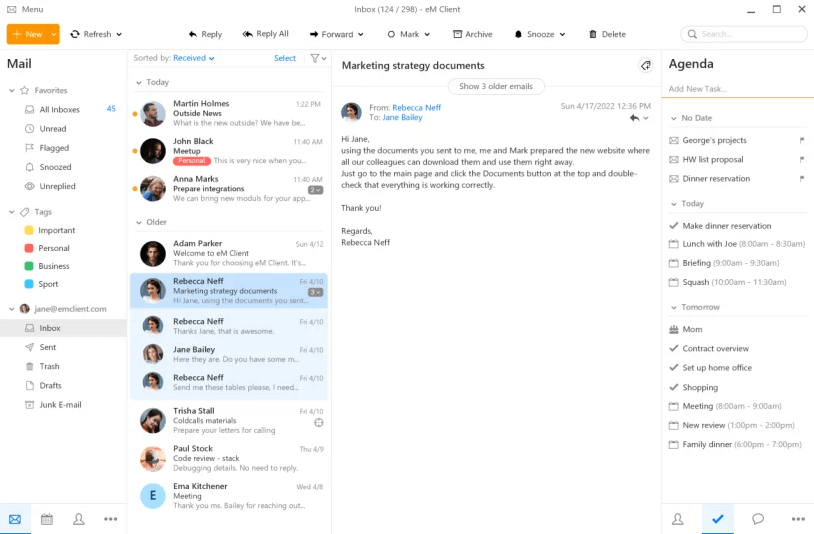
Over the past few years, eM Client has emerged as a productivity booster amongst email clients.
It is primarily eM Client that enables the automation of numerous functions. Automatic backups, automatic resizing of images in emails, and automatic replies for Gmail accounts: you no longer need to carry out these tasks manually:
What’s more, the free version of the eM client allows you to manage two email accounts.
MailSpring
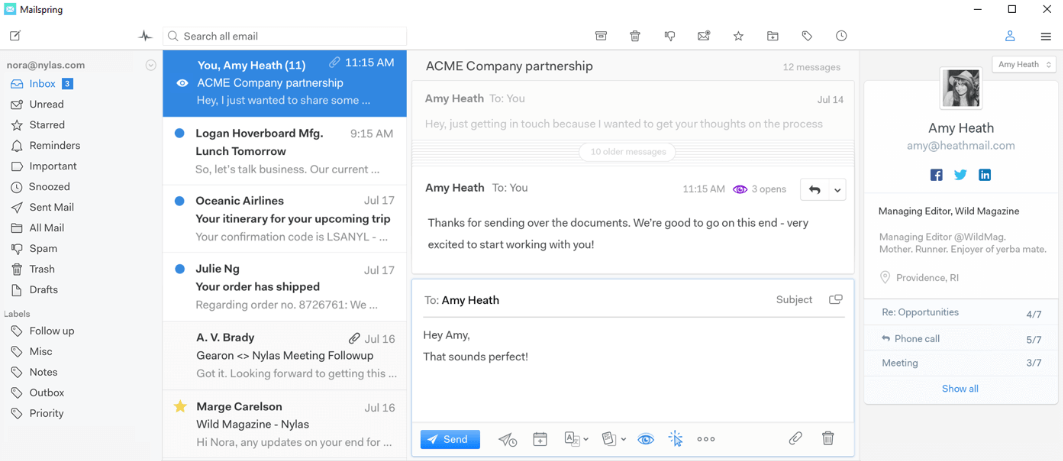
MailSpring, one of the lesser-known email clients, offers a very user-friendly and pleasant interface.
This program also allows for the integration of modules and add-ons, providing a tailored experience for each individual user. Calendar and search engine add-ons can be easily added to the email client. MailSpring has a free version with limited features and a Pro version.
Microsoft Outlook
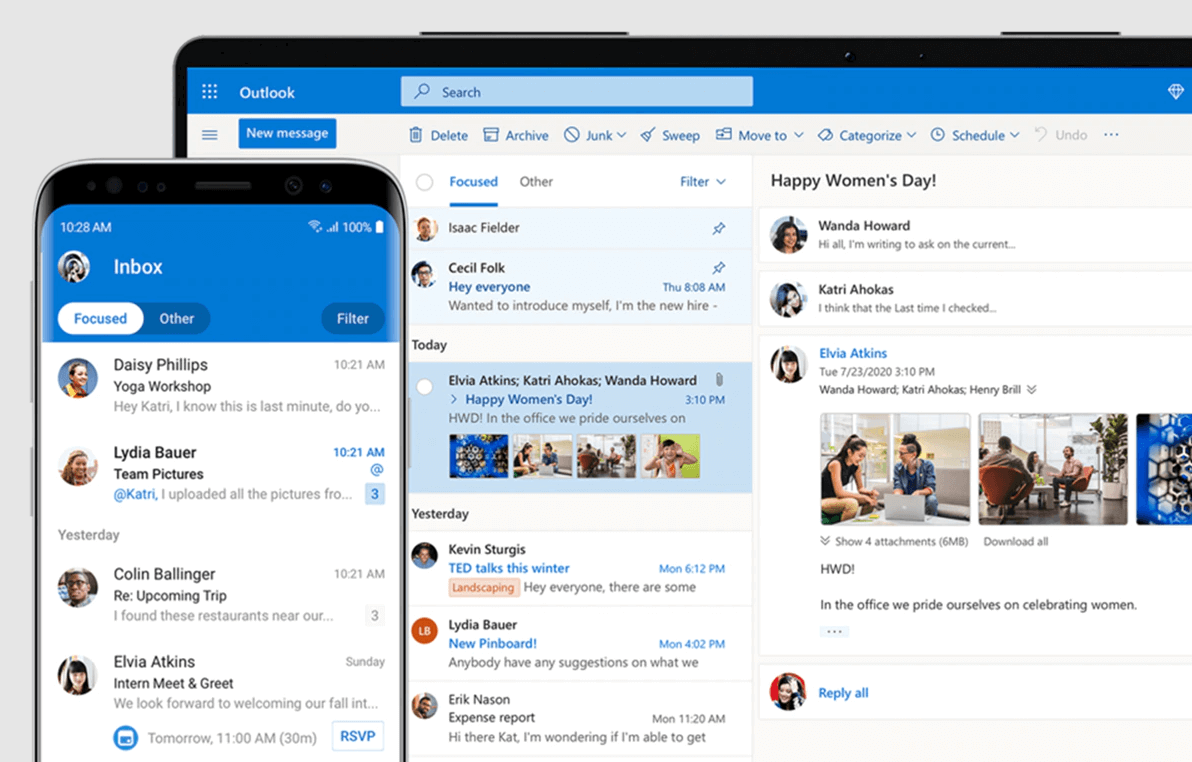
Perhaps the most popular email client, Outlook, is part of the Microsoft Office suite and offers a wide range of features: calendar, address book, task manager, etc.
Outlook does not have a free version, which prompts users to look for other options when it comes to email clients. Nevertheless, it is a well-designed, comprehensive email solution.